> ## Documentation Index
> Fetch the complete documentation index at: https://docs.mindli.com/llms.txt
> Use this file to discover all available pages before exploring further.
# Welcome
> MindLi's Help Center
export const MndIcon = ({icon, size = 20, color, circle = false}) => {
const iconUrl = `https://app.mindli.com/api/icon/${icon}`;
const [isDarkMode, setIsDarkMode] = React.useState(false);
React.useEffect(() => {
const checkTheme = () => {
const darkClass = document.documentElement.classList.contains('dark');
const darkAttr = document.documentElement.getAttribute('data-theme') === 'dark';
setIsDarkMode(darkClass || darkAttr);
};
checkTheme();
const observer = new MutationObserver(checkTheme);
observer.observe(document.documentElement, {
attributes: true,
attributeFilter: ['class', 'data-theme']
});
return () => observer.disconnect();
}, []);
let finalColor = color;
if (!color) {
finalColor = isDarkMode ? '#FFFFFF' : '#333333';
}
const iconElement = ;
if (!circle) {
return
{iconElement}
;
}
const circleSize = Math.max(size + 6, 20);
return
{iconElement}
;
};
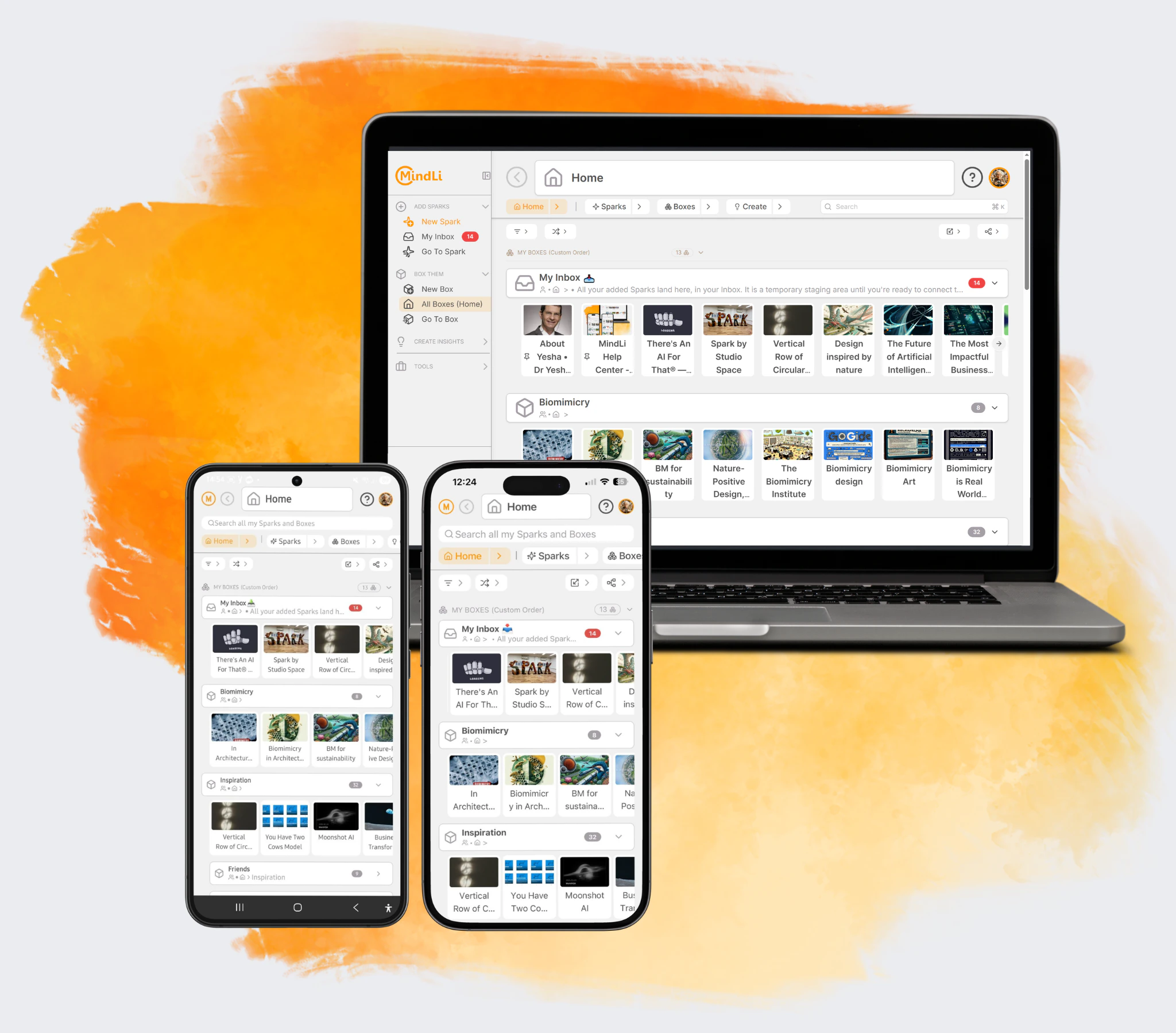 ## Get started
Empower your thinking: Add Sparks (input), Box them (process), and Create insights (output).
Our Mission} href="/get-started/mission">
The Why, What and How of MindLi
The ABC Thinking Steps} href="/get-started/abc-steps">
Start Simple, Continue Smart with the ABC universal thinking steps
QuickStart} href="/get-started/quickstart">
Initial setup (Web, iOS, Android and Chrome/Edge extension)
Using MindLi} href="/get-started/using-mindli">
Shared principles, global buttons, and common controls
Thinking Patterns} href="/get-started/thinking-patterns">
Choose practical patterns for clearer thinking and better outcomes
## Work With MindLi & More
Get the best of it.
Work With the Main Screens} href="/workwith/home">
Home, Box, Inbox, and Spark
More Screens} href="/workwith/trash">
Stats, Trash, and Settings
## Get started
Empower your thinking: Add Sparks (input), Box them (process), and Create insights (output).
Our Mission} href="/get-started/mission">
The Why, What and How of MindLi
The ABC Thinking Steps} href="/get-started/abc-steps">
Start Simple, Continue Smart with the ABC universal thinking steps
QuickStart} href="/get-started/quickstart">
Initial setup (Web, iOS, Android and Chrome/Edge extension)
Using MindLi} href="/get-started/using-mindli">
Shared principles, global buttons, and common controls
Thinking Patterns} href="/get-started/thinking-patterns">
Choose practical patterns for clearer thinking and better outcomes
## Work With MindLi & More
Get the best of it.
Work With the Main Screens} href="/workwith/home">
Home, Box, Inbox, and Spark
More Screens} href="/workwith/trash">
Stats, Trash, and Settings